Chrome DevTools MCP for AI agents, DevFest Sousse 2025
My DevFest Sousse 2025 talk on Chrome DevTools MCP: how it gives AI agents real debugging context, the live demo, what changed since, and the full recording.

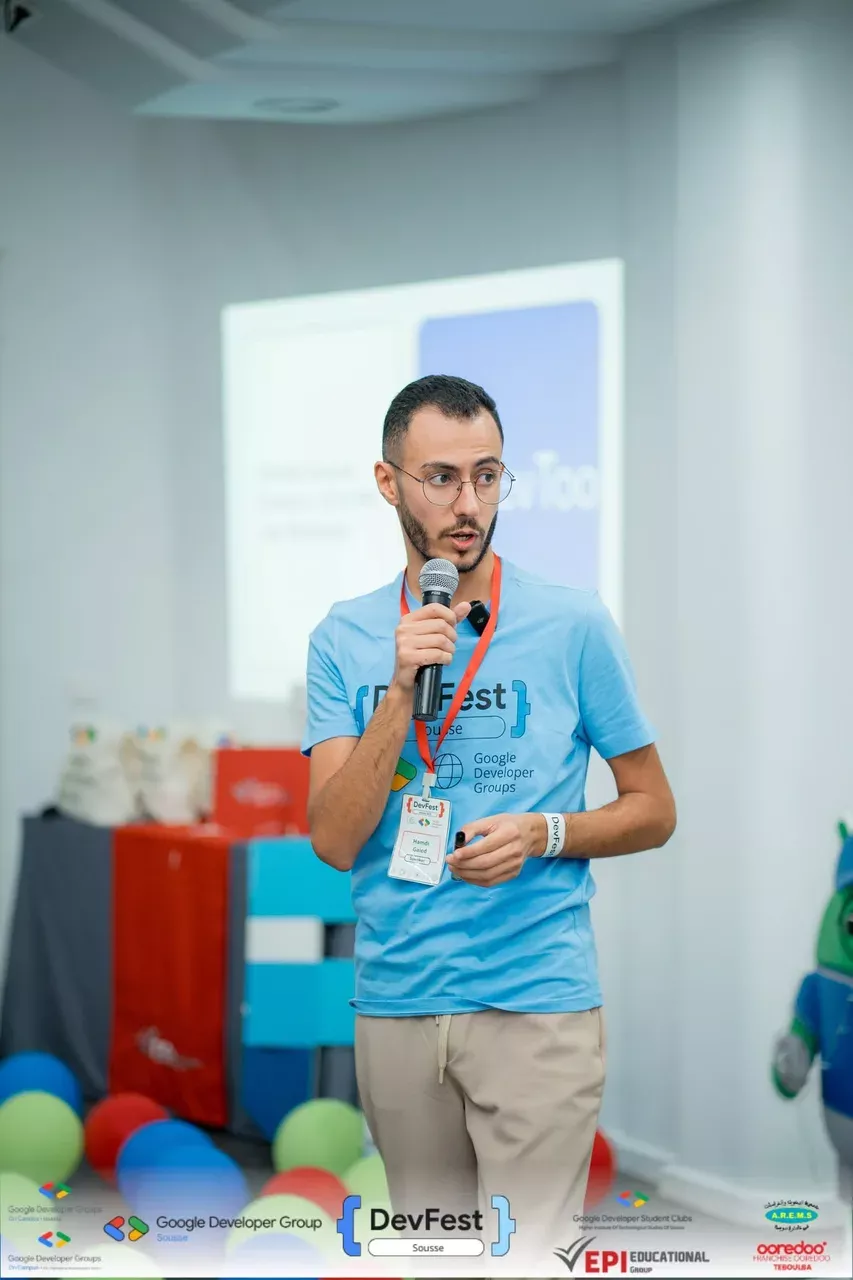
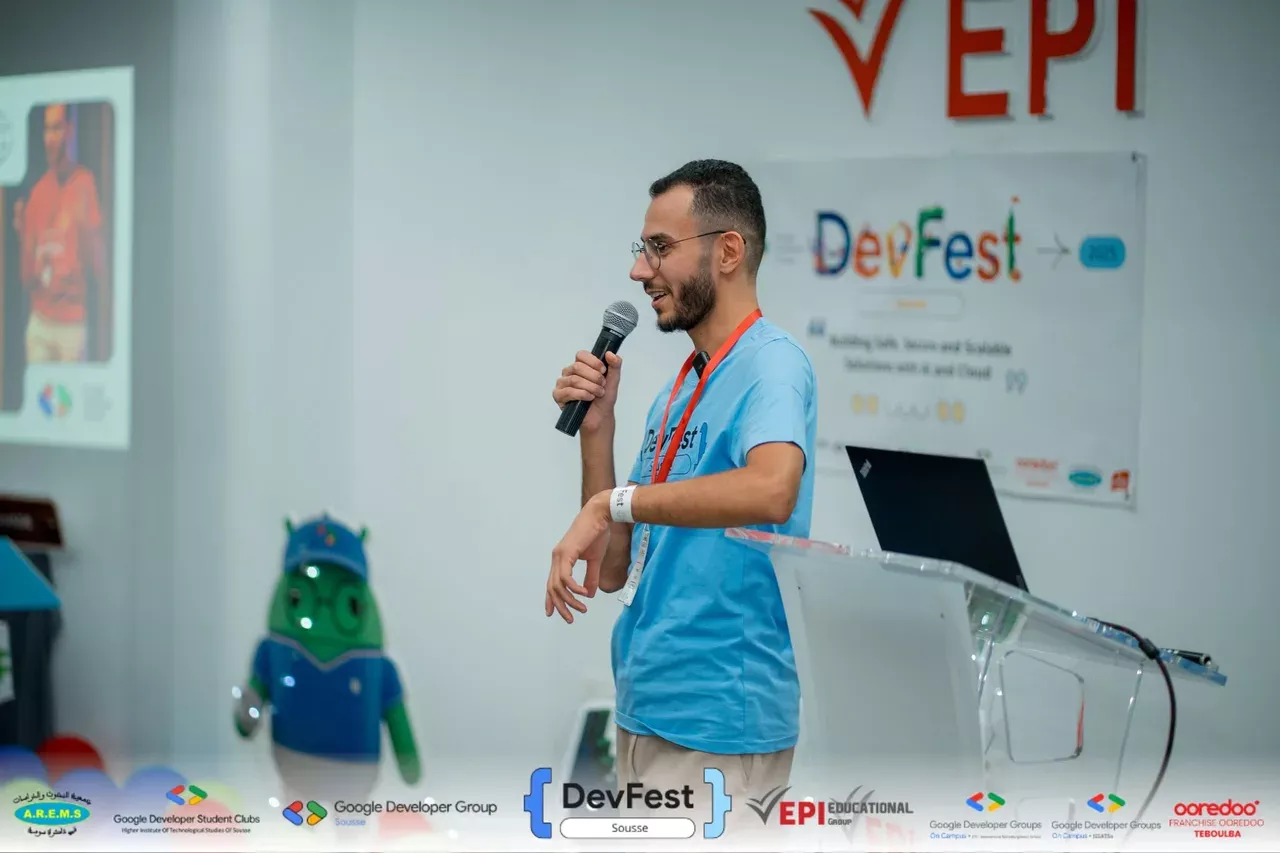
On 9 November 2025 I gave a talk at DevFest Sousse, the yearly conference my GDG chapter organizes at EPI Sousse. The theme of the edition was building safe, secure and scalable solutions with AI and cloud, and my session was about a tool that was eight weeks old at the time: Chrome DevTools MCP, the Chrome team's way of handing a real browser's debugging tools to an AI agent. The recording is now online, so here is the talk in writing, plus what has changed since.
The gap: agents write code but cannot debug it
I opened with a question for the room: how many of you have asked an AI assistant to fix a bug and received a confident, wrong answer? Every hand went up. The reason is structural. A coding agent sees your source files, and nothing else. It does not see the console error, the failed network request, the layout that broke at 400 pixels or the long task that froze the page. It guesses from the code, which is why its fixes so often address a symptom that is not the cause. Developers spend most of their debugging time finding root causes rather than fixing them; the figure I quoted on stage was 53%. An agent without runtime context cannot do that part at all.
What Chrome DevTools MCP is
The Chrome DevTools team released chrome-devtools-mcp in September 2025. It is a Model Context Protocol server: a small process the agent talks to, which in turn drives a live Chrome through the DevTools Protocol and Puppeteer. Through it the agent gets three families of capabilities:
- Debugging: read console messages with source-mapped stack traces, inspect any network request and response, evaluate scripts in the page, take screenshots and DOM snapshots.
- Performance: record a trace, stop it, and get the same insights the Performance panel computes, such as long tasks, layout shifts and render-blocking requests.
- Automation: open pages, navigate, click, type, fill forms, handle dialogs, emulate devices and network conditions, and wait for results reliably instead of sleeping.
Setup is one block of configuration in your agent's MCP settings, and it works the same in Claude Code, Cursor, Copilot, Gemini CLI, VS Code and Antigravity:
{
  "mcpServers": {
    "chrome-devtools": {
      "command": "npx",
      "args": ["-y", "chrome-devtools-mcp@latest"]
    }
  }
}
It needs Node.js LTS and a current stable Chrome. Nothing is installed in the browser itself.
The live demo
I took a small web app with three planted problems, a JavaScript error on load, a failing API call and a slow interaction, and asked the agent to find and fix them without telling it what they were. The tools it reached for, in order:
new_pageandnavigate_pageto open the app in a fresh tab.list_console_messages, which returned the error with its stack trace pointing at the exact line. The agent fixed it and reloaded.list_network_requests, which showed the API call returning 500 with the response body. The agent read the body, found the malformed parameter, and corrected the call.performance_start_traceon the slow interaction, then the trace analysis, which pointed at a long task caused by synchronous work in an event handler. The agent proposed moving it off the main thread and explained why.
The point of the demo was not that the agent is clever. It is that each step started from evidence the browser produced, not from a guess about the code. The same prompts without the MCP server produced plausible edits to the wrong functions.
What changed since November
The project has moved fast. By September 2026 it was at version 1.10 with more than sixty releases, and the tool list grew well beyond what I showed. There are now heap snapshot tools for hunting memory leaks, Lighthouse audits on demand, CSS style inspection, tools to install and exercise browser extensions, progressive web app installation and launch, screencast recording, and a CLI for using the same capabilities without an MCP client. If you watched the talk and tried it then, try it again: the performance and memory tooling in particular is a different product now.
What I would tell a team adopting it
- Treat it as a debugging partner for the agent, not as a replacement for your own DevTools habits. The agent is only as good as the question you ask it.
- Run it against a dev or staging instance. The server exposes everything in the browser to the MCP client, including cookies and page data, so do not point it at a tab where you are logged into production.
- Pair it with your CI performance budgets. "Record a trace, compare with yesterday, explain the regression" is a prompt that pays for itself the first week.
The day
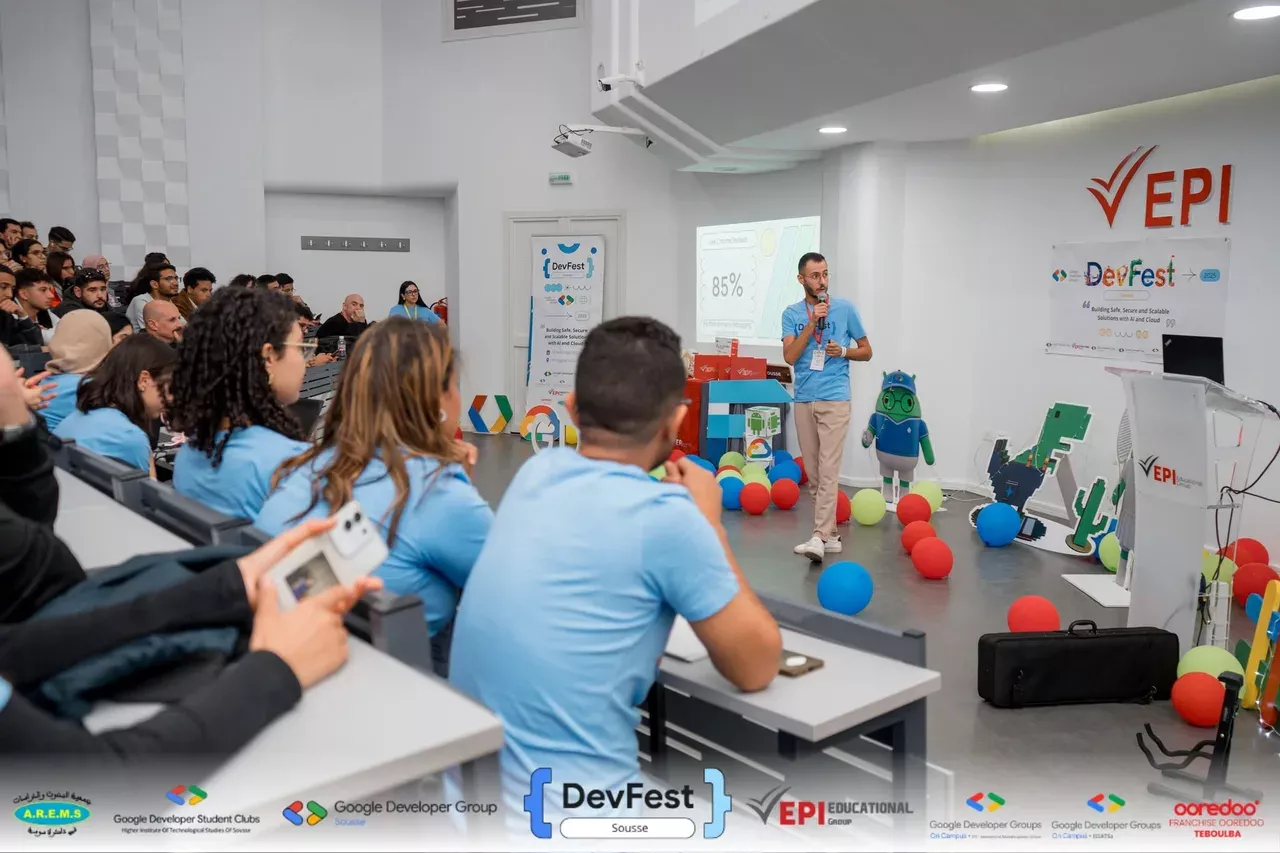
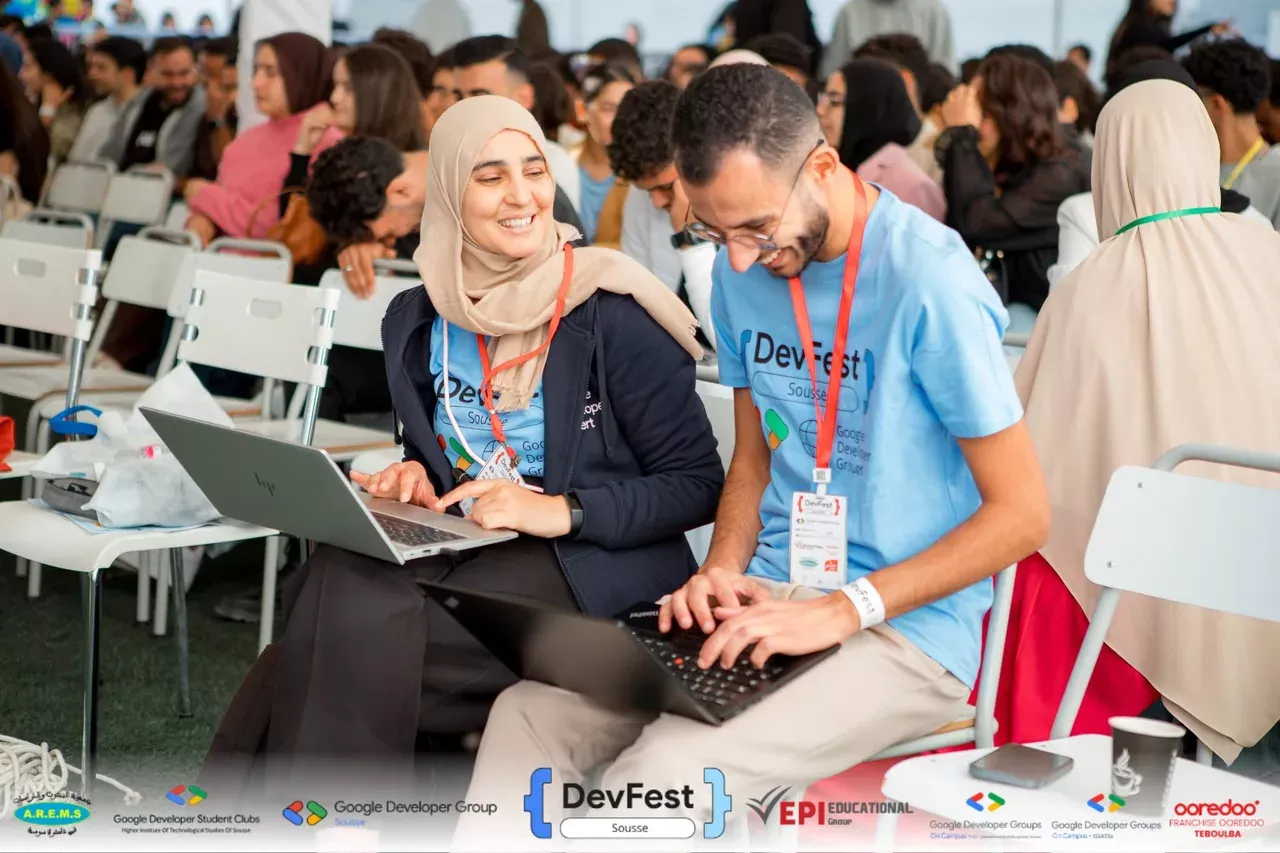
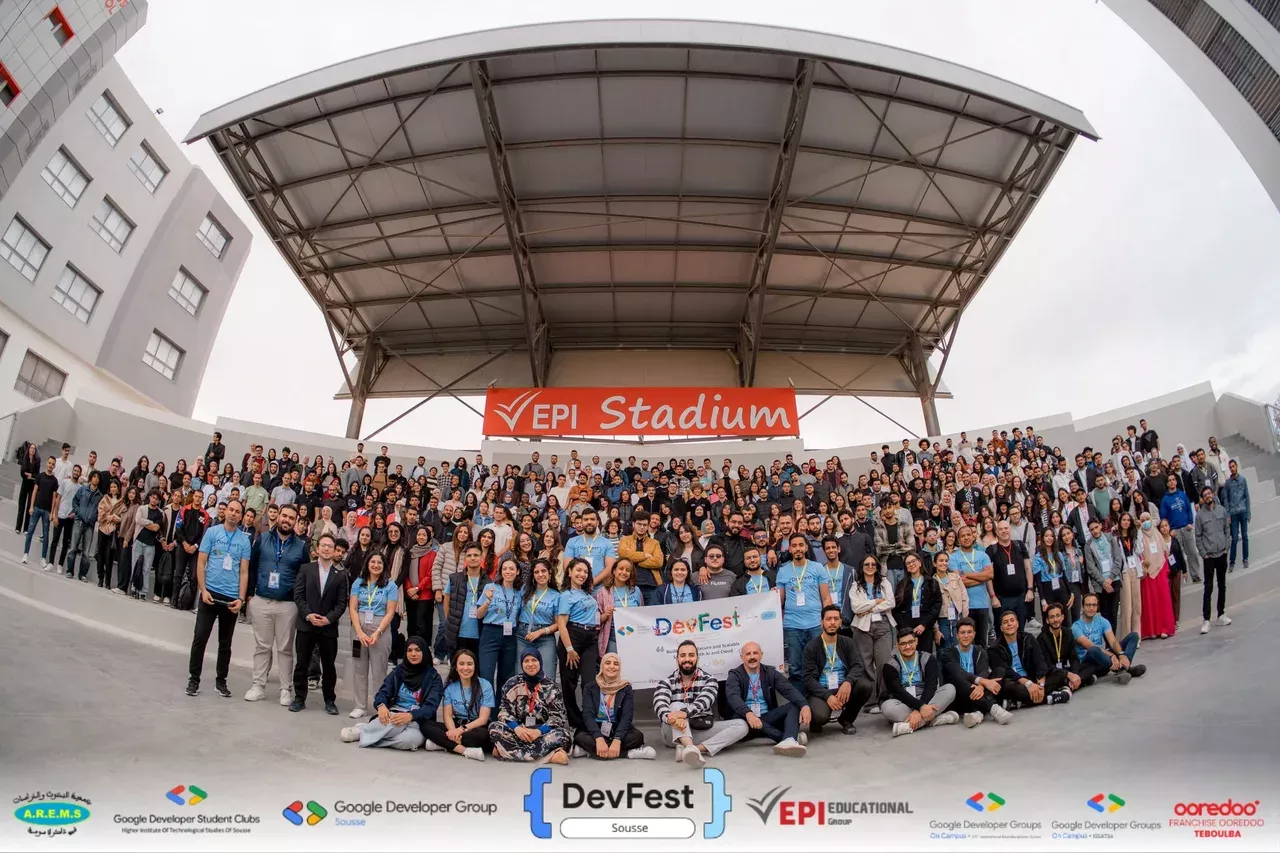
DevFest Sousse is the event I care most about in the year, because GDG Sousse builds it from nothing with volunteers and a university that lends us its campus. The 2025 edition filled the EPI amphitheatre, the sessions ran from Firebase and Gemini to cloud security, and the questions after my talk went on in the corridor long after the slot ended. Thank you to the GDG Sousse team, to EPI, and to everyone who came with a laptop and tried the setup on the spot.
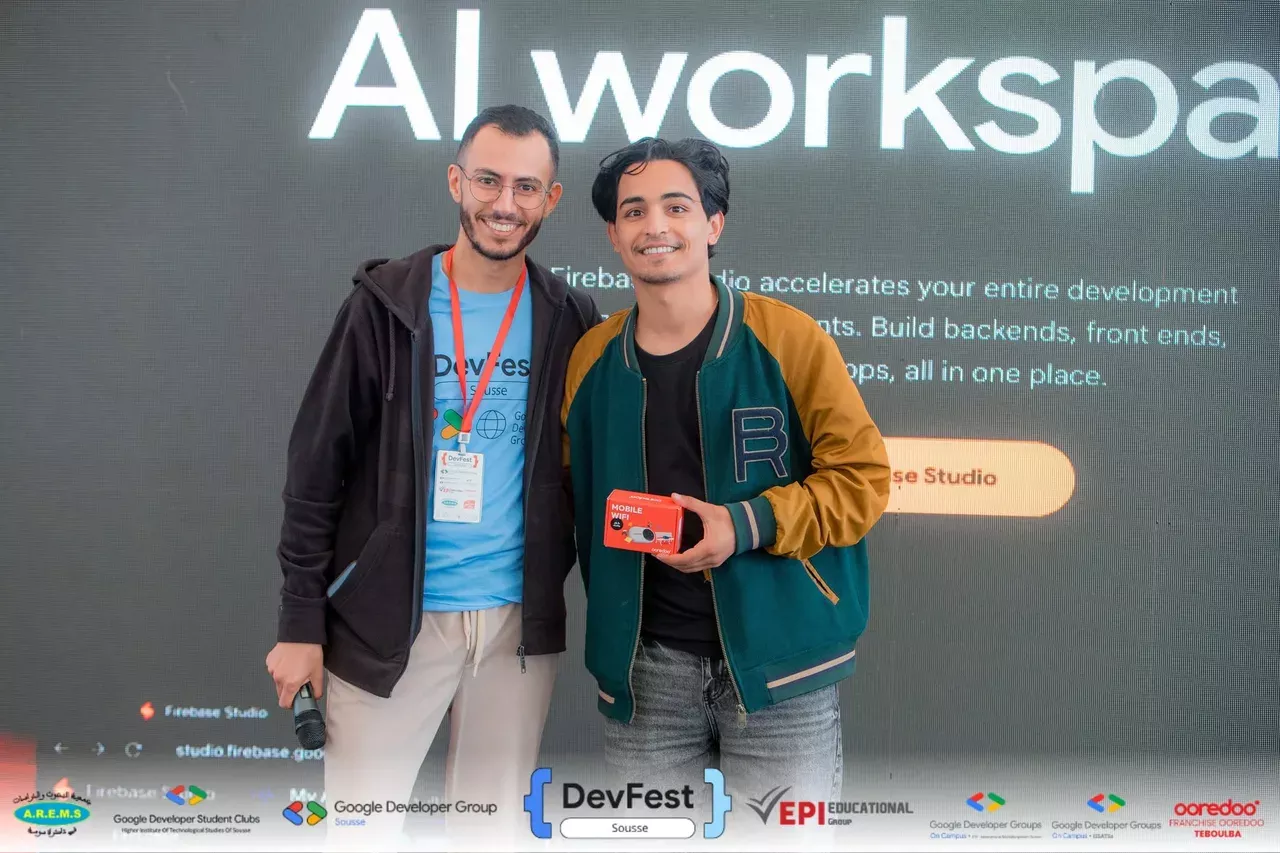
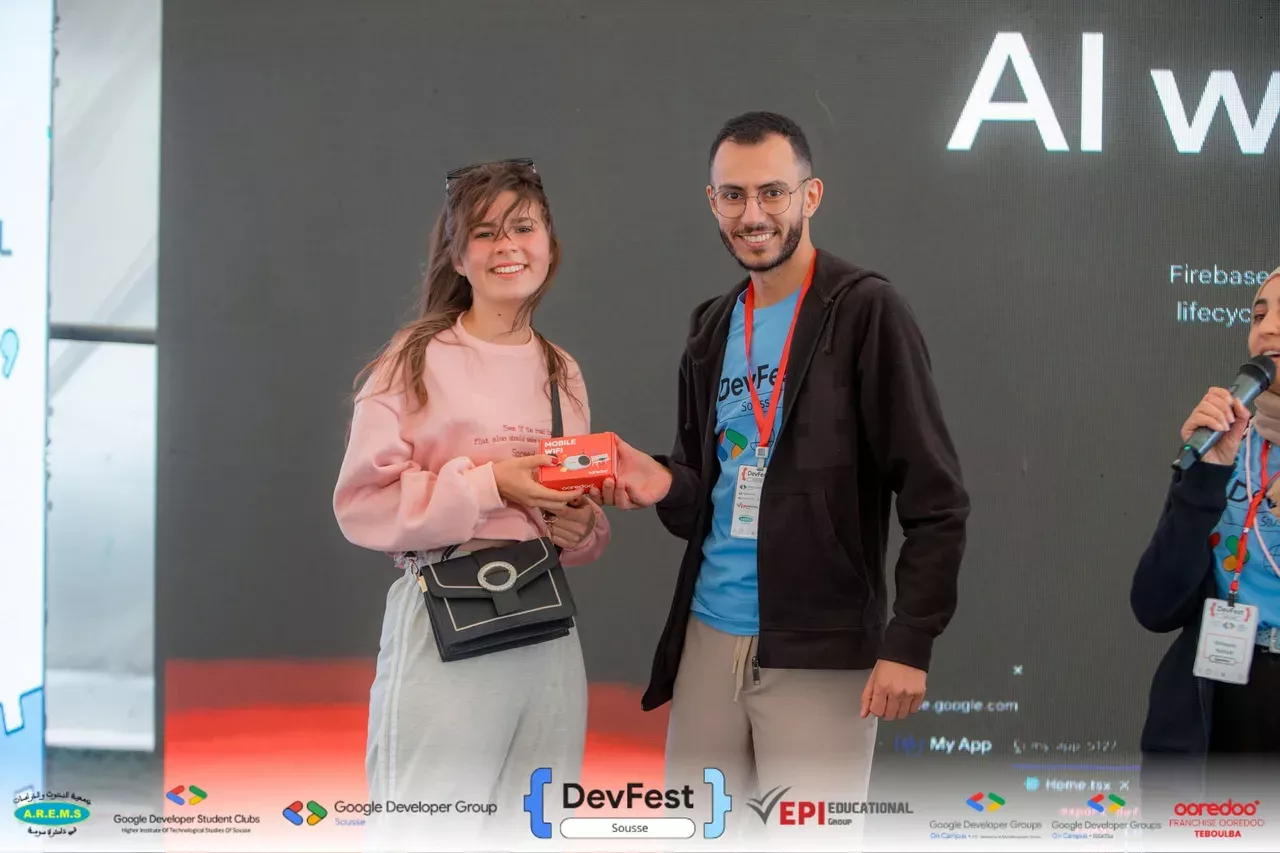
I also had the second-best job of the day: hosting the quiz on the main stage. Questions on web, AI, cloud and whatever else the audience had sat through, first correct answer wins a prize. It is the moment the room stops being an audience and starts being a community, and the photos show it better than I can describe it.
Watch the talk
The full session, 31 minutes including the demo, is on the GDG Sousse channel.
Links: the Chrome DevTools MCP repository, its tool reference, and GDG Sousse.
Frequently asked questions
What is Chrome DevTools MCP?
An open-source MCP server from the Chrome DevTools team (first released September 2025) that lets an AI coding agent such as Claude, Cursor, Copilot or Antigravity control and inspect a live Chrome: console messages, network requests, performance traces, screenshots and page automation through Puppeteer.
Which AI agents work with Chrome DevTools MCP?
Any client that speaks the Model Context Protocol. The README lists Antigravity, Claude, Cursor and Copilot; Claude Code, Gemini CLI and VS Code also connect to it with the same one-line configuration.
Does Chrome DevTools MCP need a special Chrome build?
No. It needs Node.js LTS and the current stable Chrome or newer. It officially supports Google Chrome and Chrome for Testing; other Chromium browsers may work but are not guaranteed.